
Housecall Pro Review: Pros, Cons, and Pricing Breakdown
Explore Housecall Pro's features, pricing, advantages, and drawbacks to determine if it's the best software solution for your HVAC company.
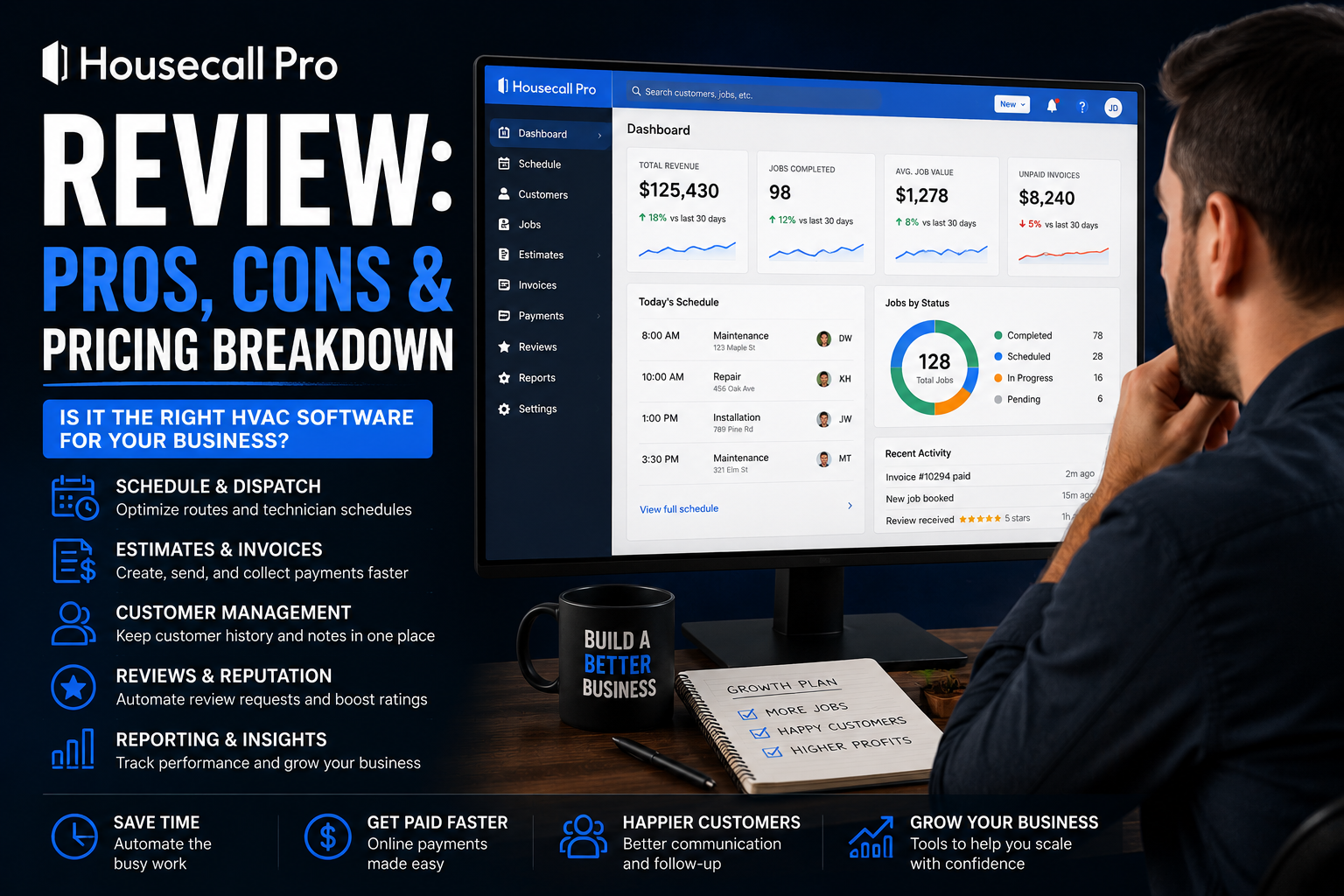
Table of Contents
Introduction
Housecall Pro is one of the most common software platforms small HVAC companies look at when paper invoices, text-message dispatch, and spreadsheets start causing problems.
It is built to help home-service businesses manage the day-to-day work that keeps money moving:
- Booking calls
- Scheduling and dispatch
- Estimates
- Invoices
- Payments
- Customer communication
- Reviews
- Maintenance plans
- Follow-up
The real question is not whether Housecall Pro has enough features.
The real question is whether it fits the stage of business you are in.
For a small residential HVAC company, it can be a big upgrade over running the office from a whiteboard and a phone.
For a larger company with multiple departments, complex installs, advanced job costing, and deep reporting needs, it may eventually feel too limited.
This review breaks down where Housecall Pro is strong, where it falls short, what it costs, and who should consider it.
Quick Verdict
Housecall Pro is usually a strong fit for small to mid-sized residential HVAC companies that need a simple operating system for daily service work.
It is especially useful when your company needs to stop losing money through:
- Missed calls
- Lost estimates
- Late invoices
- Weak customer follow-up
- Scattered job notes
- Slow payment collection
- Poor visibility into the schedule
It is not the best fit for every company.
If you have a large service department, install crews, comfort advisors, multiple locations, or advanced job-costing needs, you may eventually need a more robust platform.
The simple version:
Housecall Pro helps smaller HVAC companies get organized.
It is not built to replace every enterprise operating system.
For a direct look at when a larger platform may make sense, see ServiceTitan vs. Housecall Pro.
What Housecall Pro Does for HVAC Companies
Housecall Pro combines customer management and field-service tools into one platform.
For an HVAC business, that means you can manage the customer from the first phone call through the completed job and future maintenance follow-up.
Its core tools include:
- Scheduling and dispatch
- Quotes and proposals
- Invoices and payments
- Online booking
- Customer communication
- Review management
- Price-book tools
- Job-cost tracking
- Equipment tracking
- Technician GPS
- Recurring service plans
- Reporting
- Mobile tools for technicians
That is enough to solve a lot of common small-business problems.
A customer calls.
The CSR books the job.
The technician gets the appointment, job history, notes, and estimate details.
The work gets completed.
The invoice goes out.
Payment gets collected.
The customer gets a follow-up or review request.
That is the basic service cycle. A lot of HVAC companies still manage it across too many disconnected tools.
Where Housecall Pro Is Strong
1. Easy for Smaller Teams to Adopt
This is one of Housecall Pro’s biggest advantages.
A small HVAC company usually does not need more software complexity.
It needs fewer things getting missed.
Housecall Pro is built around the daily workflow most residential service companies already understand:
| Step | Daily Service Flow |
|---|---|
| 1 | Book the call |
| 2 | Dispatch the technician |
| 3 | Send an estimate |
| 4 | Complete the job |
| 5 | Collect payment |
| 6 | Follow up with the customer |
That simplicity matters.
A CRM is useless if the office avoids it and technicians refuse to use the mobile app.
For companies moving away from paper, text messages, and spreadsheets, Housecall Pro can be easier to adopt than a much larger enterprise platform.
For a broader view of options by company stage, read best HVAC CRM systems for small to large contractors.
2. Scheduling, Dispatch, and Customer Communication
Housecall Pro gives smaller teams a cleaner way to manage the board.
The office can schedule jobs, assign technicians, keep customer details in one place, and send updates without relying on memory.
That may sound basic.
But basic work is where money gets lost.
A missed appointment damages trust.
A technician sent without the right job details loses time.
A customer who never gets an update may call someone else next time.
The goal is not just to fill the schedule.
The goal is to make every booked call easier to complete correctly.
3. Estimates, Invoices, and Payments
A lot of HVAC owners do not have a sales problem.
They have a follow-up and payment problem.
Housecall Pro gives the team a way to create estimates, send invoices, automate reminders, and let customers pay digitally.
That can help reduce two common revenue leaks:
- Estimates that go cold because nobody follows up
- Invoices that sit unpaid too long
The platform also includes price-book tools, which matter when technicians are still pricing from memory.
Technicians should not be guessing what a repair costs in the driveway.
Consistent pricing protects margin.
4. Reviews and Online Booking
Reviews are not just reputation management.
They affect whether a homeowner chooses your company or the one below you in Google.
Housecall Pro includes review-management tools and online booking features, which can help smaller companies make it easier for customers to take the next step.
That does not replace good service.
But it helps make good service visible.
A customer who had a good experience should not need to hunt for a review link.
A customer who wants to book should not have to wait until office hours if the job can be scheduled online.
5. Maintenance and Recurring Service Plans
Maintenance memberships make HVAC companies more stable.
They create planned work.
They create repeat customers.
They create future repair and replacement opportunities.
Housecall Pro includes recurring service-plan tools on higher plans, helping companies build maintenance agreements and automate repeat visits.
The value is not only the membership payment.
The value is owning the customer relationship before another company gets the call.
Housecall Pro Pricing Breakdown
Housecall Pro publishes its pricing, which is helpful for smaller owners trying to plan software costs.
At the time of writing, its annual-billed plans include:
| Plan | Annual-Billed Price | Best For |
|---|---|---|
| Basic | $59/month | One user getting organized |
| Essentials | $149/month | Teams of up to five users |
| MAX | $299/month | Growing teams needing advanced tools and support |
Monthly billing costs more than annual billing.
The Basic plan includes scheduling, dispatch, quotes, invoices, payments, online booking, review management, job-cost tracking, a price book, and customer communication.
Essentials adds tools such as QuickBooks integration, flat-rate pricing, customer equipment tracking, photo reports, commissions, GPS tracking, and custom checklists.
MAX adds advanced custom reporting, onboarding support, escalated support, additional users, visual sales proposals, and recurring service plans.
Prices can change, so always verify current plan details before choosing a platform.
Housecall Pro Pros and Cons
| Pros | Cons |
|---|---|
| Easier for smaller teams to learn | Can feel limited for larger operations |
| Public pricing makes budgeting simpler | Costs increase as users and features are added |
| Strong scheduling, dispatch, invoicing, and payments | Not built for deep enterprise reporting |
| Useful customer communication and review tools | Complex install departments may outgrow it |
| Price books and job-cost tracking included | Commercial HVAC workflows may need more control |
| Good fit for residential service companies | Advanced implementation still takes time |
Where Housecall Pro Can Fall Short
1. Advanced Reporting and Department-Level Control
Housecall Pro gives owners useful reporting.
For many small companies, that is enough.
But a larger HVAC company may need more detailed answers:
- Which CSR books the highest percentage of calls?
- Which technician has the strongest average ticket?
- Which technician creates too many callbacks?
- Which install jobs are losing margin?
- Which lead source creates the most profitable jobs?
- Which membership segment is not renewing?
- Which department is underperforming?
Once your company has multiple managers and departments, reporting needs become more serious.
That is where platforms such as ServiceTitan may become more attractive.
For an in-depth review of that platform’s role in a larger operation, see ServiceTitan Review: Is It Worth the Cost for HVAC Companies?.
2. Complex Install and Commercial Work
Housecall Pro can manage the basics of estimates, jobs, payments, and customer history.
But a company with a large install department may need deeper control over:
- Labor budgets
- Material purchasing
- Change orders
- Project schedules
- Install job costing
- Crew management
- Progress billing
- Commercial contracts
That does not mean Housecall Pro is bad.
It means it is primarily a residential service-management platform.
A company doing substantial commercial or project-based HVAC work may need something built around that operating model.
3. Software Will Not Fix Weak Processes
This is the biggest caution.
Housecall Pro can make a clean process easier to repeat.
It cannot create the process for you.
If calls are not answered, estimates are not followed up, technicians are not trained, and nobody reviews the numbers, software will not solve the underlying problem.
Bad processes inside a good platform are still bad processes.
Before implementation, decide:
- How calls should be booked
- How jobs should be dispatched
- How estimates are followed up
- How technicians use the price book
- How payment gets collected
- How reviews are requested
- How maintenance plans are sold and renewed
Who Housecall Pro Is Best For
Housecall Pro is usually a good fit for:
- One- to eight-truck residential HVAC companies
- Owner-led businesses moving away from manual systems
- Companies that need scheduling, estimates, invoices, and payments in one place
- Teams that want a system technicians can learn quickly
- Companies trying to improve customer communication and follow-up
- Businesses building a maintenance-plan base
- HVAC companies that want clearer pricing than custom enterprise platforms
It can be especially valuable when the biggest problem is not “we need more features.”
The biggest problem is “too many things are falling through the cracks.”
Who Should Consider Other Software
You may want to look elsewhere if:
- You have multiple locations
- You run a large service and install operation
- You need deep job-costing and department reporting
- You have complex commercial contracts
- You need advanced project management
- You have managers who need high-level operational dashboards
- You are already outgrowing simpler workflows
In that case, FieldEdge, ServiceTitan, BuildOps, or another more specialized platform may make more sense.
A best HVAC software stack for growing companies comparison can help determine whether one all-in-one tool is enough or your business needs a broader setup.
How to Know Whether Housecall Pro Will Pay for Itself
Ask these questions before buying.
1. Are You Losing Jobs Before the Technician Arrives?
Look for:
- Missed calls
- Slow callbacks
- Weak booking
- No appointment reminders
- Customer notes scattered everywhere
If that is happening, a centralized system can pay for itself quickly.
2. Are Estimates and Invoices Being Lost?
A company can run a full schedule and still lose money because estimates are never followed up and invoices sit unpaid.
Housecall Pro can help create more consistency around both.
3. Will the Team Actually Use It?
The best platform is the one your team uses every day.
Before committing, involve the people who will use it:
- Office manager
- CSR
- Dispatcher
- Lead technician
- Bookkeeper
Ask what slows them down now.
Then make sure the new system makes their work easier instead of adding another step.
For small teams weighing a lighter tool against a more structured HVAC platform, see Jobber vs. FieldEdge: Best HVAC CRM for Small Teams.
FAQ
Is Housecall Pro good for HVAC companies?
Yes. Housecall Pro is a strong option for many small and mid-sized residential HVAC companies that need scheduling, dispatch, estimates, invoices, payments, customer communication, reviews, and maintenance-plan workflows in one system.
How much does Housecall Pro cost?
At the time of writing, annual-billed plans start at $59 per month for Basic, $149 per month for Essentials, and $299 per month for MAX. Higher plans include more users, integrations, reporting, service-plan tools, and onboarding support.
Is Housecall Pro better than ServiceTitan?
Not automatically.
Housecall Pro is usually easier and more affordable for smaller residential HVAC companies.
ServiceTitan is generally better for larger companies that need deeper reporting, more complex dispatch, department-level accountability, install workflows, and broader operational visibility.
Can Housecall Pro handle HVAC maintenance memberships?
Yes. Housecall Pro offers recurring service-plan tools that can help companies build maintenance agreements, automate repeat visits, and create more predictable recurring work.
Final Thoughts
Housecall Pro is not trying to be the biggest HVAC operating platform on the market.
That is part of why it works for smaller companies.
It helps get the important daily work into one place: calls, jobs, estimates, invoices, payments, reviews, follow-up, and recurring service.
For an owner who is tired of running the business from a phone, whiteboard, and memory, that can be a major upgrade.
For a large multi-department HVAC operation, it may eventually not provide enough control.
The best question is not:
“Does Housecall Pro have every feature?”
Ask:
“Will this help us stop losing money through disorganization?”
For many small HVAC companies, the answer is yes.
Continue Reading
- ServiceTitan Review: Is It Worth the Cost for HVAC Companies?
- ServiceTitan vs. Housecall Pro: Which Is Better for HVAC?
- Best HVAC CRM Software Compared
- Best HVAC CRM Systems for Small to Large Contractors
- Jobber vs. FieldEdge: Best HVAC CRM for Small Teams
- Best HVAC Software Stack for Growing Companies